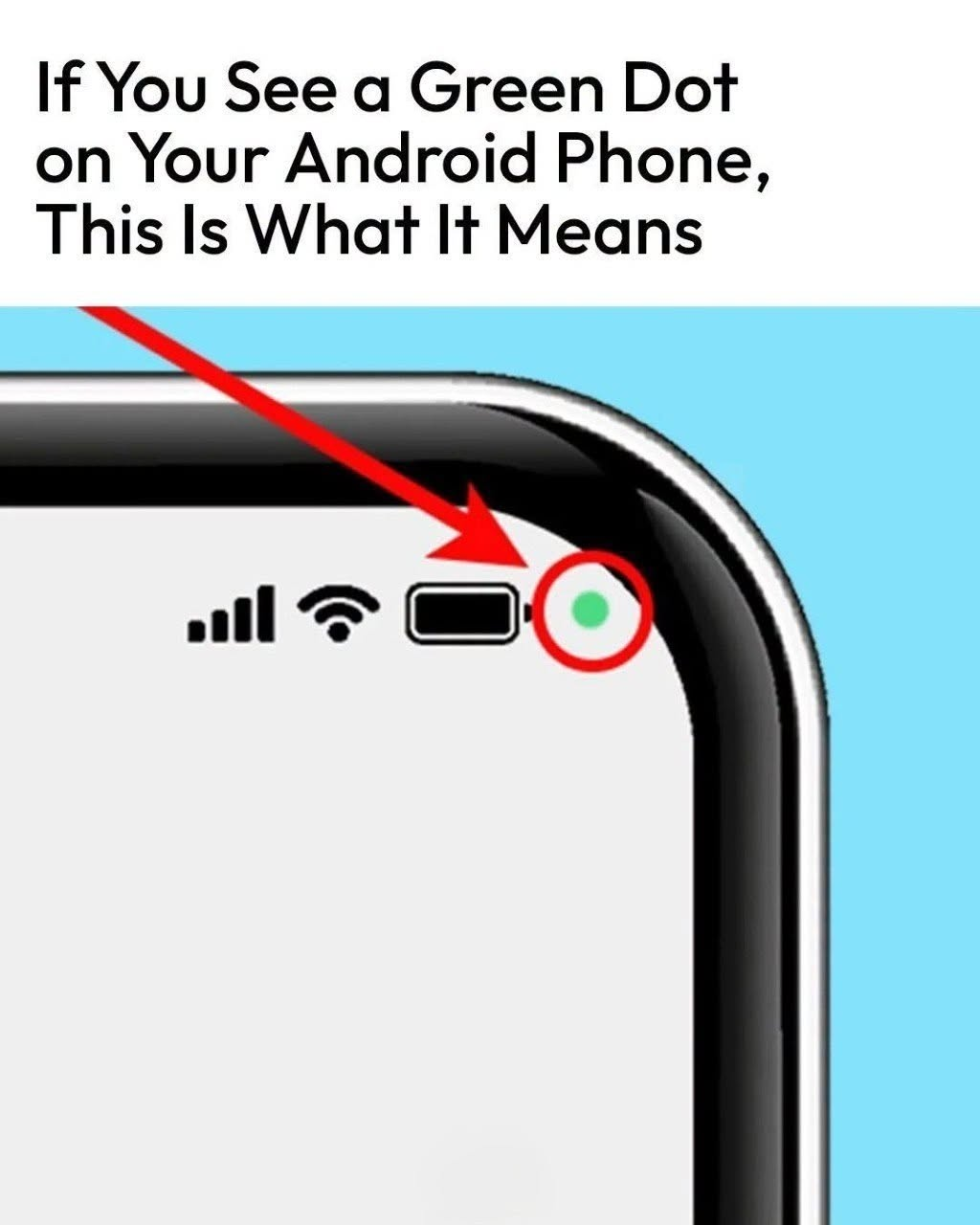
You are scrolling through your phone, checking messages or reading an article, when a small, bright green dot suddenly appears in the top right corner of your status bar. For many Android users, this mysterious indicator can be alarming—is someone spying on me? Is my phone infected with malware? The truth is far less sinister but incredibly important for your digital security. Since the release of Android 12, Google introduced the Privacy Dashboard and privacy indicators to give users complete transparency over their most sensitive hardware. This small green dot is not a glitch or a warning of a hack; it is a deliberate, built-in safety feature designed to act as a visual alarm, informing you that an application is currently accessing your camera or microphone. Understanding what this dot means, how to trace it back to the specific app, and how to manage your permissions are essential skills for anyone who values their digital privacy in an increasingly connected world. This comprehensive guide will walk you through the mechanics of this feature, the steps to identify the culprit, and the best practices for keeping your personal data secure.